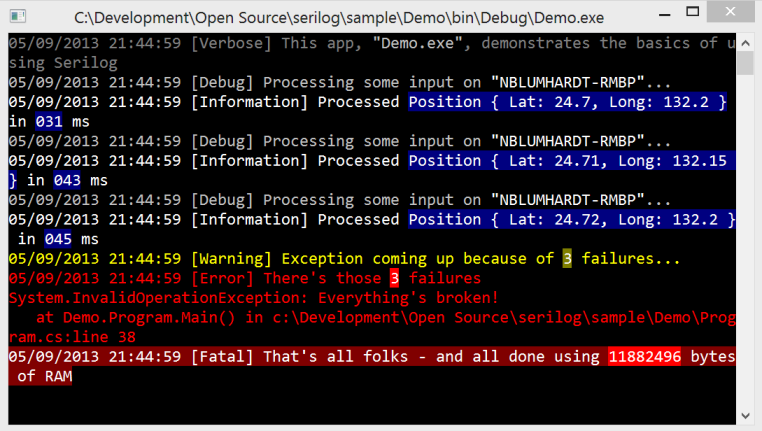
I use Serilog as logging framework in my apps. It can generate colored console output. It would be great if the colors can be displayed in Tests window output.
How are you controlling the colour of your logged output? Is this done using ANSI colours?
NCrunch uses a rich text editor for the test window output, which should respond to RTF notation. You might find that if you convert the colour codes into this format that the rich text editor may pick it up. RTF is a bit of a hairy specification but in many cases a simple find and replace could give you quick and easy results.
Sorry I gave this a try, although it looks as though the component is escaping the RTF sequences, preventing colours from showing. It looks as though a functional change will be needed to make this work.
At the moment, the rich text box used to show the trace output has a number of problems including poor performance and unicode display issues. It's highly likely that it will be replaced. I'll note your request down to try and consider custom colours in whatever it is replaced with.